
Let’s start off with getting everything installed.
- If using a pi, image your microSD card with a minimal RasPiOS.
- Install rigctl with
sudo apt install -y libhamlib-utils - Install Mercury following their instructions.
- Download the latest release of Pat. Install with
sudo apt install ./pat_{ver}_linux_{arch}.deb.
Lets get things started!
First we will run the apps in different terminals to very things are working before we write some .service files for each one. First we will fire up rigctld to manage our radio. This will be different for each radio. Mine is only using rts to key ptt. You will likely want to use CAT to change freq automatically.
- Start rigctl:
rigctld -p /dev/serial/by-id/usb-Silicon_Labs_CP2102N_USB_to_UART_Bridge_Controller-if00-port0 -P RTS - Using
mercury -zcheck what audio interfaces are available to mercury. Take note of what audio devices are available. If you are unsure which to use, unplug your device and check which one disappears usingmercury -z. Mine isplughw:1,0, so that is what I will here. - Start Mercury, telling it what rigctl interface to use and which audio interfaces to use, if you plan on using
mercury_ui, add the-Goption:mercury -R 2 -G -i plughw:1,0 -o plughw:1,0 - Start Pat
pat http -a 0.0.0.0:8088
Let’s get it configured
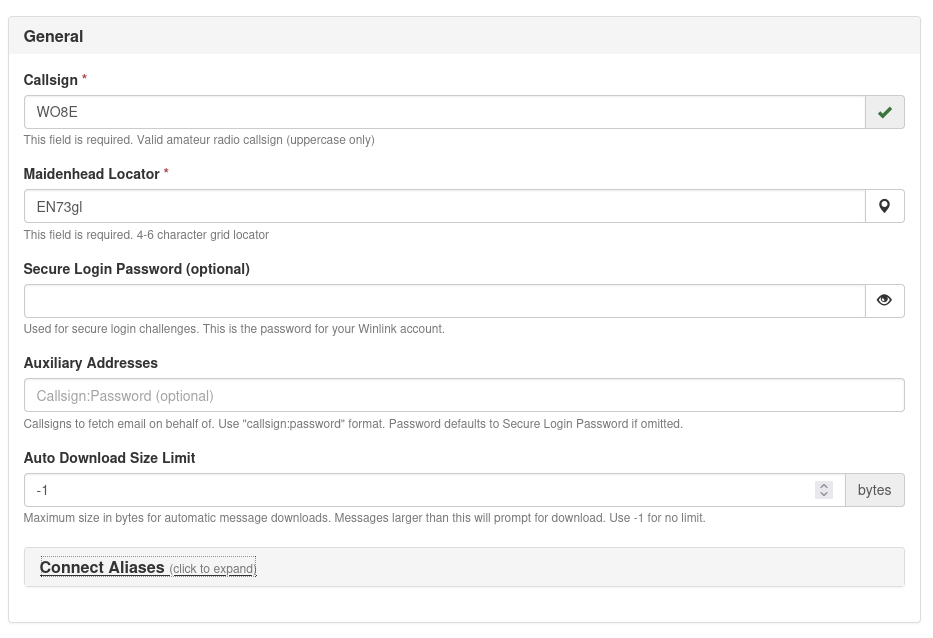
If everything started correctly, you should now have a fully running instance. Let’s go ahead and configure Pat. When you browse to the host’s address on port 8088, you should be greeted with a config page. Go ahead and fill out your stats, you will be prompted to setup a winlink account if you haven’t already.
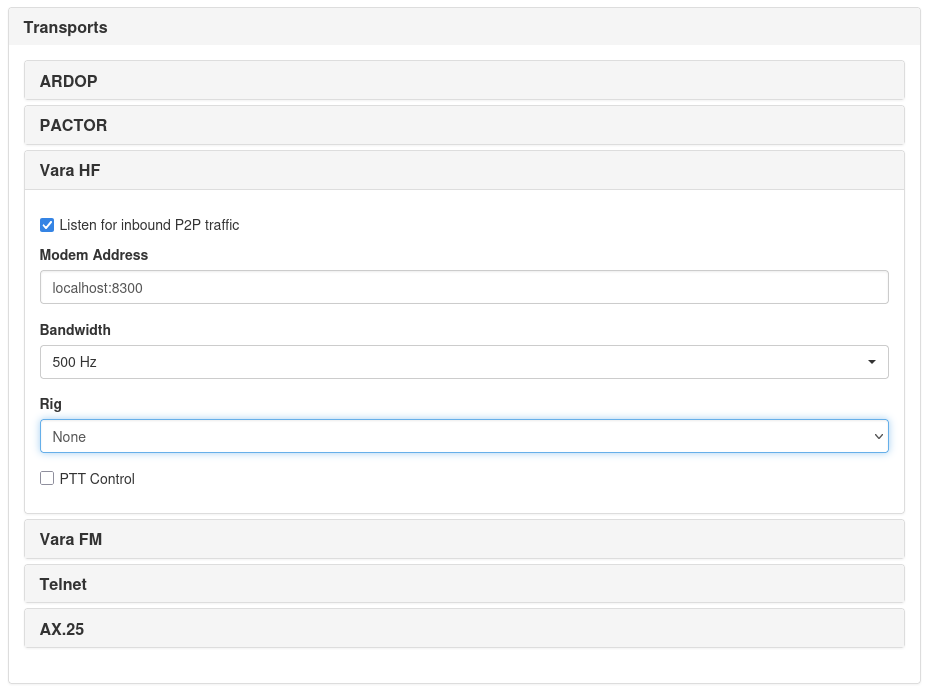
A little farther down you will configure your transports. Since Mercury is VARA compatible, we will use the Vara HF transport. Enable Listen p2p inbound traffic here if you want people to connect to you. You can also connect to DireWolf/GrayWolf if you want to bridge between HF and VHF/UHF AX.25 packet.
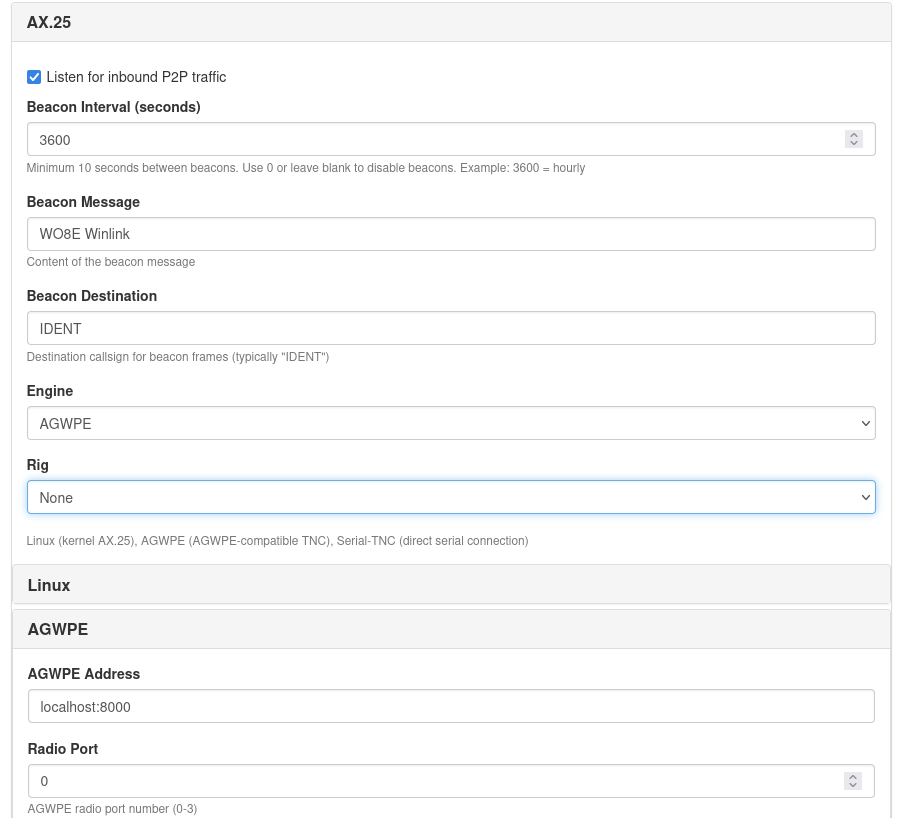
Direwolf/Graywolf config:
Once everything is configured how you’d like, go ahead and click Save Changes. It will restart and bring you to the inbox page.
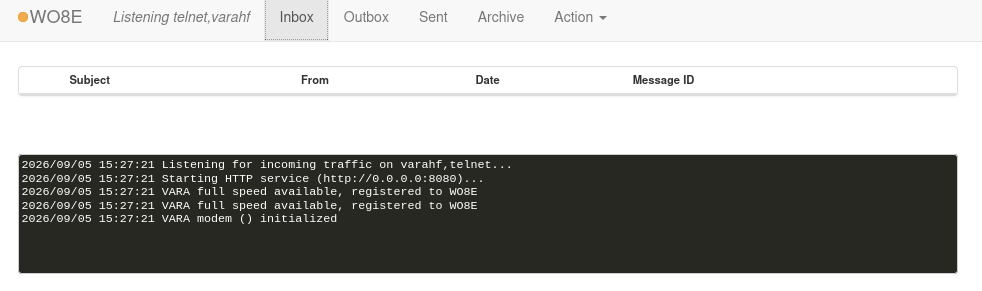
Et voilà!
Congrats, now you can send your location, compose messages, connect to another Mercury host and transfer messages.